Create a one-of-a-kind HRIS
Customize TalentHR to match your way of work
Align your HRIS with your brand
HR is central to your organization, and your HR software should reflect that. Customize your HRIS with your logo, brand colors, and domain name to deliver a cohesive experience that aligns with your company identity.

Set up access on your terms
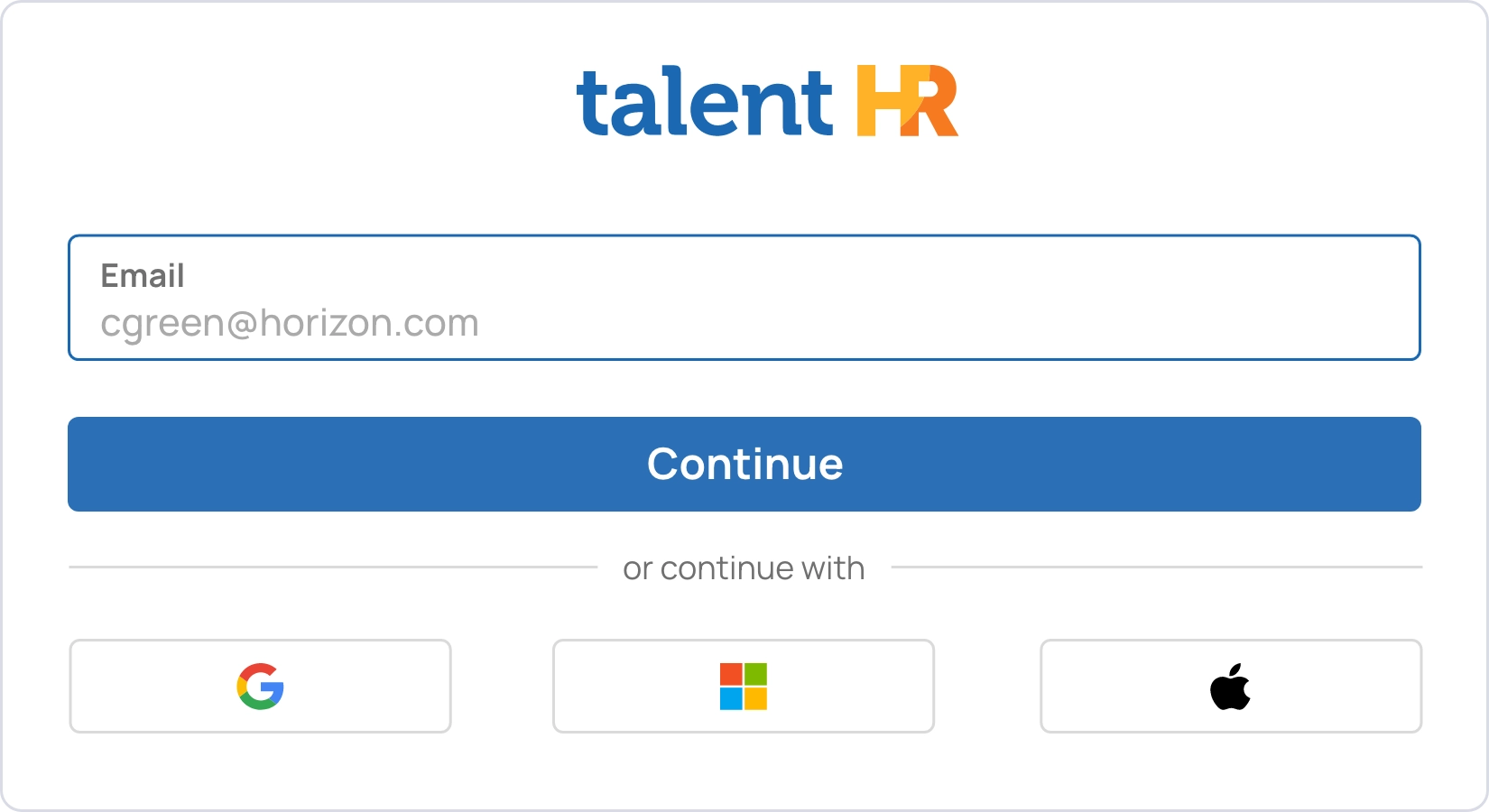
Sign in with email and enable optional two-step verification for added protection, or configure single sign-on through Google, Apple, or Microsoft. Choose the authentication methods that align with your security policies, so access stays controlled, and tailored to your organization.
Configure settings for every region
Set languages, working days, currencies, and time formats to match how your workforce operates. Configure compensation details, like payment currency and installment schedules, based on local payroll practices. Wherever your team is based, TalentHR adapts to them.


Define your organizational framework
Map your organization inside TalentHR with departments, locations, divisions, and job roles that mirror reality. Enrich employee profiles with additional, fully customizable fields you need, from qualifications to internal notes and unique identifiers.
Protect data with structured access
TalentHR lets you control permissions by role, so you decide who can view, manage, or edit specific information and workflows. Protect sensitive data while ensuring each user has the right level of access to do their job efficiently.

Customize system notifications
Personalize automated email notifications to reflect your internal communication style. Adapt the wording, structure, and included details to match your processes, so automated messages stay clear, relevant, and aligned with how your organization operates.
