
For small businesses in 2026, staying agile is a survival strategy. With fewer employees, leaner HR teams, and rising operational complexity, leaders need tools that actually save time. Modern HR apps can help with that.
HR tools simplify everything, starting with the hiring process to onboarding, attendance tracking, performance management, and day-to-day HR tasks. Instead of juggling spreadsheets, forms, and disconnected platforms, small businesses can run core HR functions, manage employee data, and support their entire team from a single web window or mobile app.
And in 2026, small-business founders, operators, and HR managers rely on modern HR mobile apps to keep HR processes organized, strengthen employee engagement, and support a growing workforce without adding extra HR staff or unnecessary admin work. As human resources becomes increasingly digital, small teams expect easy access, self-service portal options, push notifications, and real-time data, all from their phones.
In this guide, you’ll find a clear breakdown of what HR apps are, the key features small businesses should look for, and the best HR apps worth trying in 2026. We’ll also walk through how to choose the right tool for your team, why mobile functionality matters more than ever, and the HR tech trends shaping the year ahead.
What Are HR Apps?
HR apps are lightweight, mobile-friendly tools (available on both web and smartphone) that help companies manage HR essentials more efficiently. Unlike full human capital management systems, which are often heavy and expensive, HR apps are designed with small businesses in mind: quick setup, intuitive design, and the specific features growing teams need to stay organized.
In 2026, the HR mobile app is the standard rather than the exception, as it was some years ago. With remote, hybrid, and global workforce setups trending upward, small businesses need HR tools that keep people connected, simplify HR resources, and give teams the ability to approve requests, share updates, and access pay slips, tax documents, and schedules right from the home screen of their phones.
How HR Apps Differ From Full HRIS Systems
HR apps focus on day-to-day HR management, while larger HRIS platforms handle deep benefits administration, tax filing, or enterprise-level HR departments with more complex advanced features. For small teams, HR apps deliver the essentials (employee management, employee directories, employee records, and required forms) without overwhelming them.
Benefits for Small Businesses
Modern HR apps help small teams:
- Lower your manual admin with automated workflows
- Speed up the hiring process and onboard new employees smoothly
- Centralize all employee information, employee profiles, and HR documents
- Strengthen compliance with state and local laws (and in some cases, even foreign laws)
- Support higher employee satisfaction through better communication and employee recognition
- Build a healthier company culture and support continuous employee training
Key Features Small Businesses Should Look For in HR Apps
Choosing the right HR apps can make or break how efficiently a small company works. With limited HR staff and a long list of daily HR tasks, small teams need tools that genuinely simplify work. Here are the key features worth prioritizing.
- Mobile-First functionality: Employees and managers expect to handle approvals, access employee records, check schedules, submit time off requests, and receive updates directly from their phones. A mobile-first design keeps everyone connected and supports a better employee experience, especially for remote or frontline teams.
- Employee self-service: Great HR apps should eliminate bottlenecks. A built-in self-service portal gives employees the ability to update employee information, download pay slips, view employee profiles, and complete required forms without chasing HR.
- Onboarding workflows: Look for automated onboarding workflows that assign tasks, share documents, trigger reminders, and help new employees get up to speed fast. This improves early productivity and helps minimize errors.
- Time-off and attendance tracking: Small teams need simple tools to manage attendance tracking, paid time, and basic time tracking. Built-in attendance tools should sync with schedules, export for payroll, and show who’s available at a glance, without switching between multiple systems.
- Automated notifications: Modern HR apps should automatically send push notifications, reminders, and updates so nothing falls through the cracks. Whether it’s approvals, upcoming performance reviews, employee training reminders, or overdue tasks, automation helps teams stay ahead.
- Reporting and analytics: Small businesses should look for reporting that highlights workforce trends, absences, hiring progress, or compliance needs without manual spreadsheet work.
- Ease of use + Fast setup: Small teams can’t afford months-long implementations. The best HR tools offer quick setup, intuitive navigation, and strong integration capabilities so teams can start working immediately. And because small businesses rarely need heavy enterprise software, avoiding bloated, all-in-one platforms helps prevent overwhelm and keeps operations lean.
Why Over-Buying Slows Small Teams Down
Complex, enterprise-grade systems often come with features small companies don’t need. This might slow workflows, increase costs, and make everyday actions harder. A lightweight, easy-to-use HR app keeps small teams agile and focused on what matters.
6 Must-Try HR Apps for Small Businesses (2026 Edition)
With more tools on the market than ever, choosing the right HR app can feel overwhelming. Below you’ll find the best HR apps of 2026, each offering practical value, intuitive design, and mobile-friendly features that help teams stay connected and keep HR operations running smoothly.
1. TalentHR
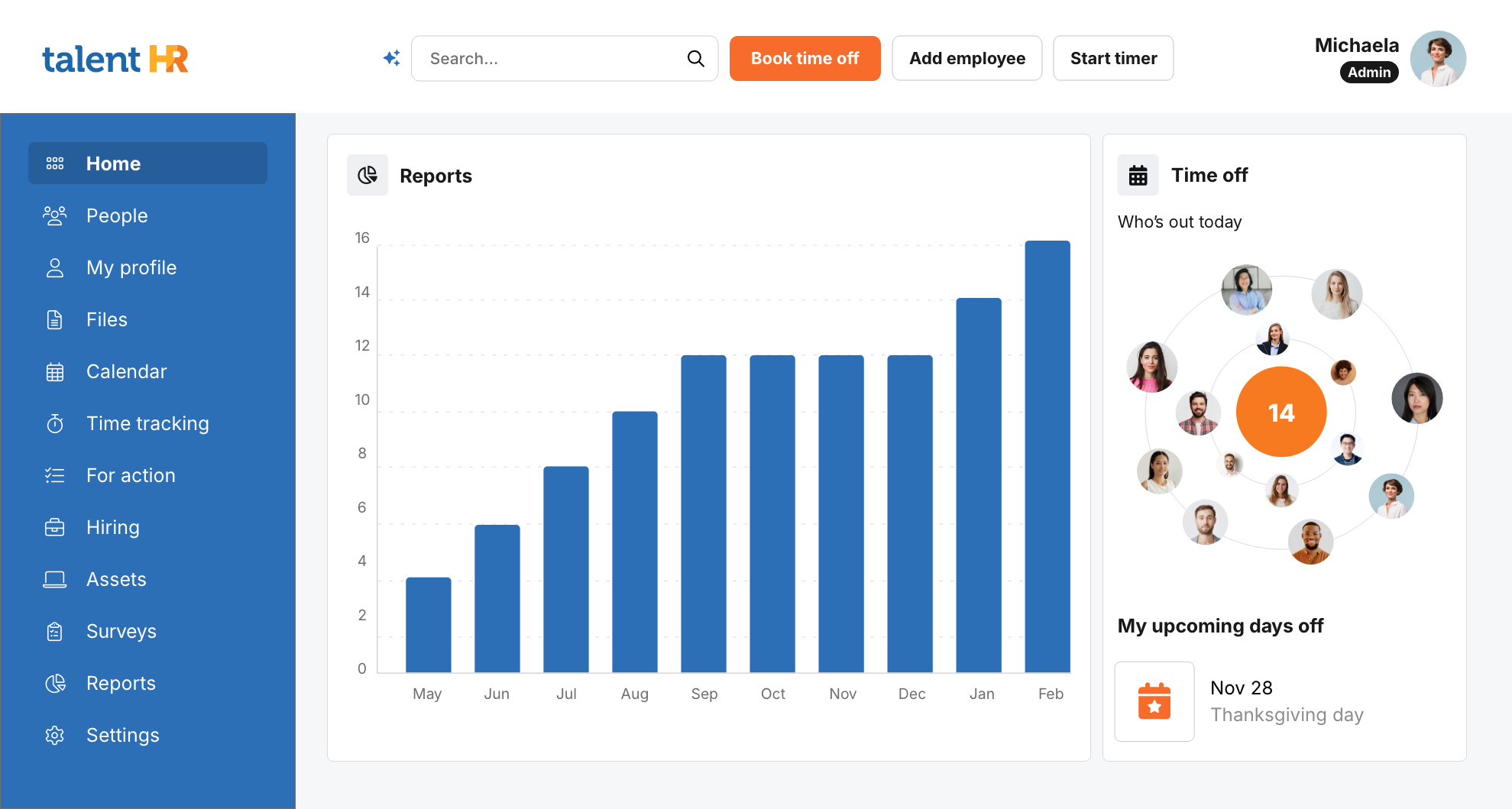
TalentHR is ideal for small teams that want a simple and lightweight all-in-one HR app. It’s built specifically for small teams that want organized people operations without enterprise-level complexity.
Best for: Centralized employee management, onboarding, time-off, and everyday HR tasks in one easy platform.
Why small businesses love it: Clean design, fast setup, strong automation, AI-powered features, and excellent pricing (including a genuinely useful free tier and affordable paid plans as teams grow).
Mobile capabilities: A full-featured mobile app for time-off requests, employee profiles, documents, and real-time analytics. It's ideal for remote and deskless workers.
2. Deel
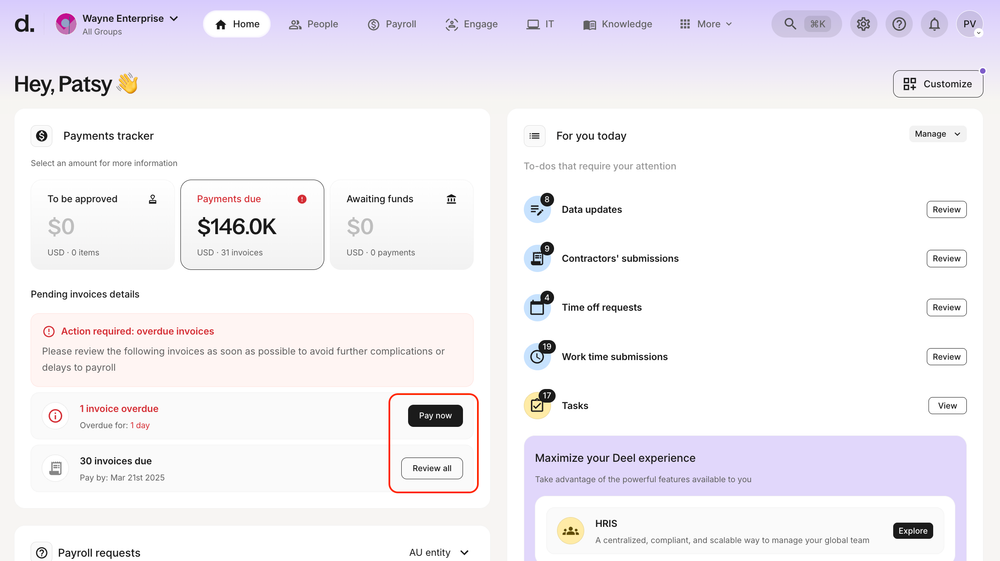
Deel’s HR app is a good choice for small businesses managing remote or international teams that need help with global hiring, payroll, and compliance.
Best for: Hiring, onboarding, and paying a global workforce without opening foreign entities.
Why small businesses love it: Deel handles contracts, taxes, and localized regulations in 100+ countries, which makes it easier to run payroll, manage contractors, and keep employee records compliant as teams expand. However, it can be a little expensive for small businesses.
Mobile capabilities: A robust mobile app where managers approve contracts and time-sensitive tasks, and employees access payslips, request time off, submit expenses, and securely log in with biometric authentication.
3. HiBob
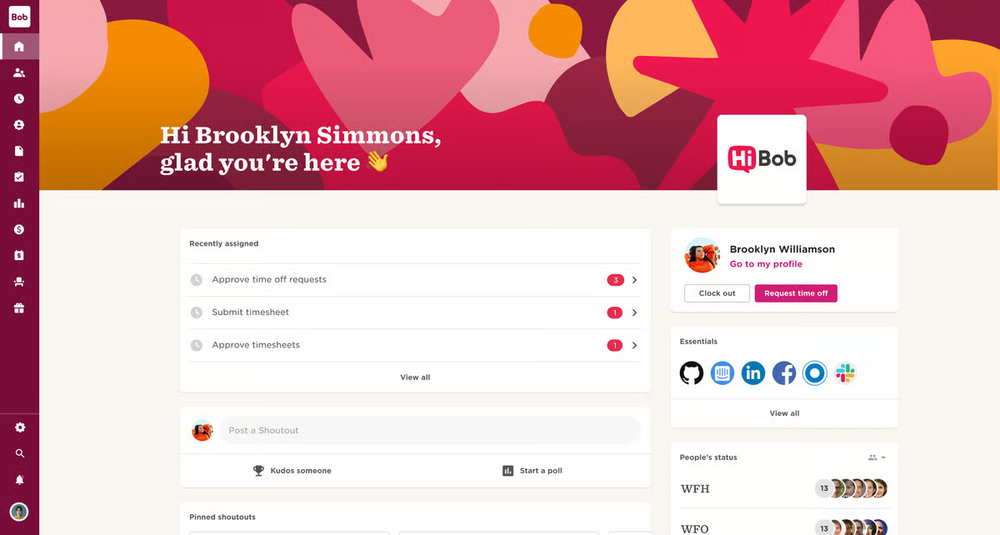
Designed for modern, growing teams, HiBob’s app stands out for its culture-driven design and a mobile experience built to keep people connected wherever they work.
Best for: Growing companies that want configurable employee management, flexible performance reviews, and a personalized onboarding process that adapts to their structure.
Why small businesses love it: HiBob’s strength is customization.
Mobile capabilities: A polished mobile app that supports quick HR actions like time-off requests, attendance check-ins, directories, culture tools, shoutouts, kudos, and real-time company updates.
4. BambooHR
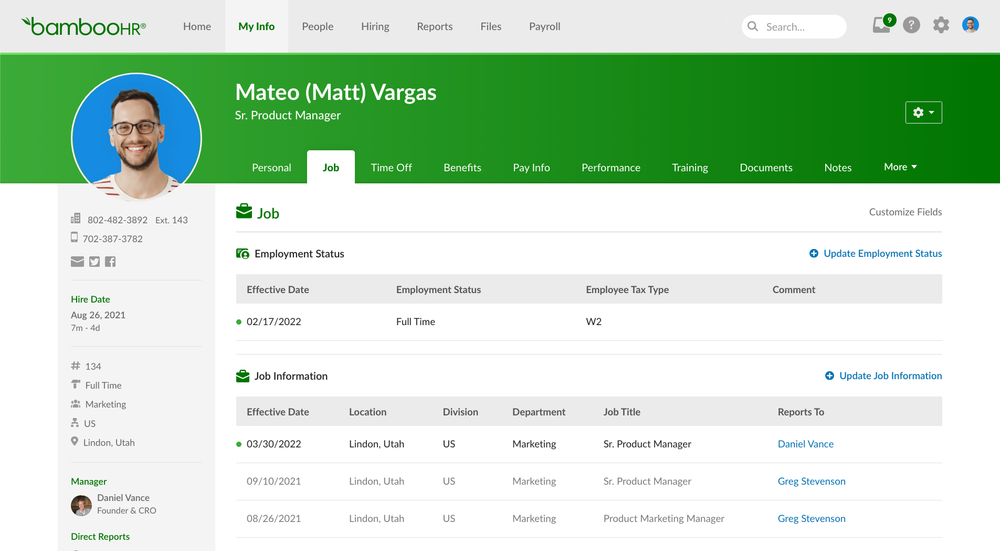
BambooHR is a well-known HR platform used by many small and mid-sized companies that want a clean system for organizing core HR work.
Best for: Teams that need an easy way to manage employee records, onboarding steps, reporting, and basic performance management without dealing with complex workflows.
Why small businesses use it: The platform is simple to deal with and centralizes HR information effectively, though pricing is quote-based and features like payroll or advanced reporting require add-ons.
Mobile capabilities: The mobile app offers quick access to essentials such as time-off requests, time tracking, benefits enrollment, e-signatures, and basic HR tasks.
5. Gusto
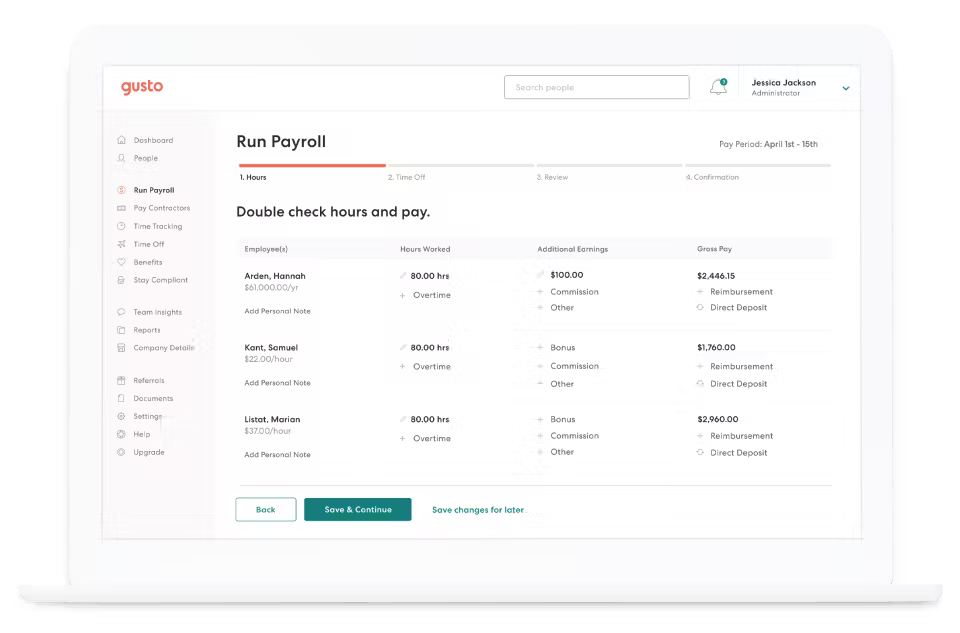
Gusto is a payroll-first HR platform that small businesses often choose when tax filings, paycheck accuracy, and compliance are their biggest priorities.
Best for: Startups and small teams that need a simple way to run payroll, manage tax filings, and handle benefits administration, with other HR functions added as needed.
Why small businesses use it: Daily tasks like onboarding new employees or processing payroll are easy to handle, though customization is limited and some features require higher-tier plans.
Mobile capabilities: The mobile app supports on-the-go payroll runs, timesheet approvals, employee record updates, and paycheck tools for workers.
6. Borderless AI
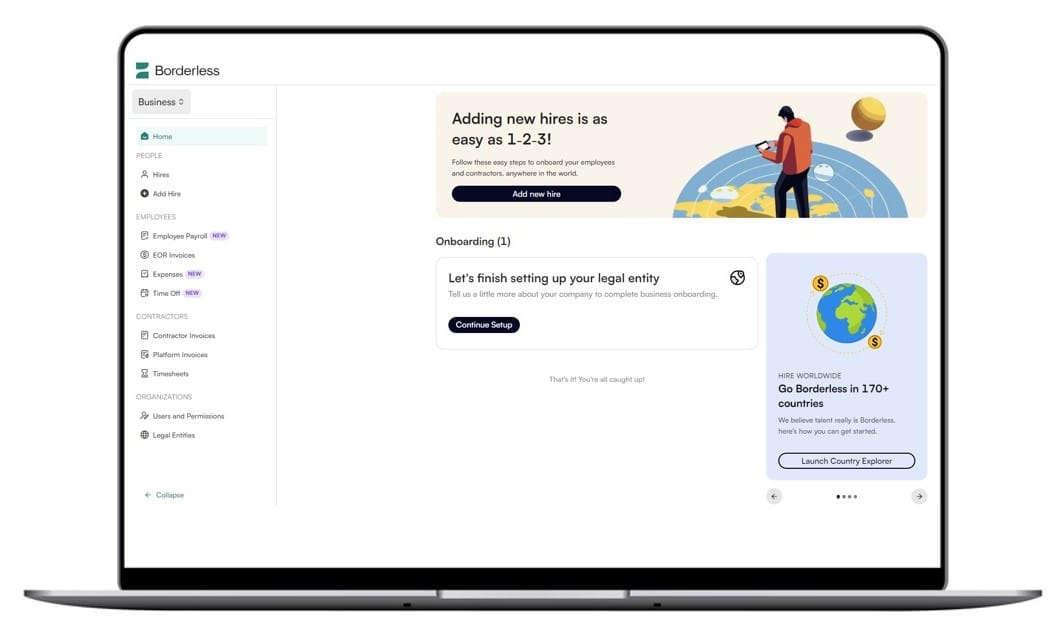
Borderless AI is a global HR and EOR services platform, offering a seamless solution for businesses to hire and manage employees across multiple countries. It simplifies the complexities of global employment, ensuring compliance and efficiency at scale.
Best for: Companies seeking a flexible, compliant, and cost-effective solution for global hiring and HR management, especially for remote teams and international expansion.
Why companies love it: Borderless AI provides an intuitive platform that streamlines employee onboarding, payroll, benefits, and legal compliance across borders. With its automated features and real-time compliance monitoring, businesses can hire globally with minimal administrative hassle.
Mobile capabilities: Borderless AI offers a robust mobile app, allowing managers and employees to manage HR tasks like payroll, benefits, and time-off requests on the go, making it perfect for global teams working remotely or across multiple time zones.
10 Reasons to Try Social Media Recruiting in 2025 →
How to Choose the Right HR Software App for Your Small Business
Small businesses have limited time, limited resources, and a long list of HR tasks, so the goal is to choose a tool that keeps things simple. When choosing your app, take these tips into account:
- Define your HR needs. Start by identifying the essentials: Do you need support with onboarding, employee data storage, time tracking, employee performance management, or payroll?
- Consider employee size and growth rate. A small team today may look different in a year. Choose an app that fits your current size but can also support growing businesses without forcing a full system change.
- Evaluate mobile app functionality. If your team relies on mobile devices, a strong mobile app matters. Look for quick actions (approvals, time off, directory access), clean navigation, and reliable push notifications so employees can manage HR from anywhere.
- Check integrations. HR apps work best when they connect to tools you already use. Review integration capabilities (such as payroll, calendars, applicant tracking, or learning platforms) so information flows without manual duplication.
- Look at support and implementation time. Small teams don’t have months to set things up. Prioritize tools with responsive support, clear documentation, and short onboarding timelines.
- Review pricing transparency. Some HR platforms publish clear pricing, others rely on quotes. Make sure you understand the real cost (including add-ons for payroll, compliance, or advanced reporting) before committing.
- Verify data privacy and compliance. Even lightweight HR apps should offer solid compliance tools, encryption, and secure storage of employee information. This is especially important when storing employee profiles, pay data, or tax documents.
A Note on Avoiding Bloated Enterprise Tools
Many enterprise platforms include far more features than a small business needs. These systems can slow your team down, hide simple actions behind complex menus, and overwhelm employees who just need quick access to basic information. A lightweight HR app usually gives small teams a better balance of usability, flexibility, and efficiency.
Why Mobile HR Apps Matter More Than Ever in 2026
Remote, hybrid, field, and frontline teams now make up a large share of the workforce, which means employees expect HR access directly from their phones rather than from a desktop. A strong HR mobile app lets people handle everyday actions like time-off requests, updates to employee information, and quick check-ins through simple self-service.
Managers also benefit from mobile tools: they can approve tasks, receive push notifications, and access real-time data without being tied to a laptop. Overall, mobile HR apps help cut admin time, keep employee engagement higher, and let small teams stay connected no matter where they work.
Wrapping it Up: HR App Trends to Watch in 2026
The HR marketplace in 2026 is defined by smarter, faster, and more convenient technology. AI-powered automation is easing manual tasks, predictive analytics is helping teams anticipate workforce shortages, and skill-based hiring tools are drastically changing how companies find the best talent.
HR platforms are also becoming more human-centered, with employee-centric UX and real-time sentiment analysis that give leaders clearer visibility into their teams’ experience. And with workforces increasingly mobile, mobile-first HRIS design is moving from trend to expectation.
As these trends continue, small businesses need tools that are simple, reliable, and built for everyday use. If you want to explore a lightweight, mobile-friendly option that helps you stay ahead without the complexity, TalentHR offers an easy place to start.
Try Try TalentHR for free (no credit card needed) and see how it organizes your HR work.
 Don’t let key info live in someone’s head.